Technology

If you have been building with Next.js for a while, you know the Pages Router. Files in the pages directory, getServerSideProps, getStaticProps, API routes in pages/api. It worked. It scaled. Millions of production apps run on it today.
Then Next.js 14 arrived with the App Router and changed almost everything about how you think about routing, data fetching, rendering, and component architecture.
This is not a minor API update. The App Router introduces React Server Components, nested layouts, streaming, Server Actions, and a completely new data fetching model — all baked in and working together by default.
If you are starting a new Next.js project in 2026, the App Router is the only path worth learning. If you are maintaining a Pages Router app, understanding the App Router helps you plan your migration and understand where the framework is heading.
This guide gets you from zero to confident with everything that matters.
💡 What you will build by the end of this guide: A working Next.js 14 app with nested layouts, server and client components, server actions for form handling, dynamic routes, and optimized data fetching — with a clear mental model for every decision along the way.
Before writing a single line of code, understanding the three foundational shifts the App Router introduces will save you hours of confusion.
Shift 1: Server Components are the default
In the App Router, every component is a React Server Component by default. They render on the server, have zero JavaScript sent to the client, and can directly access databases, file systems, and secrets. You opt into client-side behavior with the "use client" directive — not the other way around.
Shift 2: Layouts are nested and persistent
The Pages Router had one layout per page, set up manually. The App Router has a file-system based layout hierarchy where layouts wrap their children, persist across navigations, and never unnecessarily re-render. Shared UI is declared once and works automatically.
Shift 3: Data fetching lives inside components
No more getServerSideProps at the page level passing props down a component tree. In the App Router, any server component can fetch its own data directly — async/await inside the component itself. Data fetching is colocated with the UI that uses it.
🔑 The mental model shift in one sentence: In the Pages Router, you fetch data for a page then render components. In the App Router, components fetch their own data and render themselves — composition replaces prop drilling.
Requirements before starting:
Node.js 18.17 or later
npm, yarn, or pnpm
Create a new Next.js 14 project:
npx create-next-app@latest my-appThe setup prompts — recommended answers for this guide:
Would you like to use TypeScript? Yes
Would you like to use ESLint? Yes
Would you like to use Tailwind CSS? Yes
Would you like to use the src/ directory? No
Would you like to use App Router? Yes
Would you like to customize the default import alias? No
The folder structure you will start with:
my-app/
  app/
    layout.tsx
    page.tsx
    globals.css
  public/
  next.config.js
  package.json
  tailwind.config.ts
  tsconfig.json
Start the development server:
npm run devOpen your browser at http://localhost:3000 and you will see the default Next.js welcome page. Now let us understand what created it.
The App Router uses your file system as the routing configuration. Every folder inside the app directory can become a route segment. Here is the complete set of special files and what each one does:
File | Purpose |
|---|---|
page.tsx | Makes a route publicly accessible — the UI for that route |
layout.tsx | Persistent wrapper shared across child routes |
loading.tsx | Automatic loading UI shown while a route suspends |
error.tsx | Error boundary UI for that route segment |
not-found.tsx | UI shown when notFound() is called in a server component |
route.ts | API endpoint — the App Router equivalent of pages/api |
template.tsx | Like layout but re-mounts on every navigation |
default.tsx | Fallback UI for parallel routes |
Building a basic route structure:
app/
  layout.tsx          (root layout — wraps everything)
  page.tsx            (renders at /)
  about/
    page.tsx          (renders at /about)
  blog/
    page.tsx          (renders at /blog)
    [slug]/
      page.tsx        (renders at /blog/any-post-slug)
  dashboard/
    layout.tsx        (dashboard-specific layout)
    page.tsx          (renders at /dashboard)
    settings/
      page.tsx        (renders at /dashboard/settings)
    analytics/
      page.tsx        (renders at /dashboard/analytics)
✅ Notice: dashboard/settings and dashboard/analytics automatically share the dashboard layout. No manual configuration. No wrapping components by hand. The file system declares the relationship.
Layouts are the feature that makes the App Router architecture genuinely superior for complex applications. Understanding them deeply pays dividends across your entire project.
The root layout — required in every Next.js 14 app:
export default function RootLayout({
  children,
}: {
  children: React.ReactNode;
}) {
  return (
    <html lang="en">
      <body>
        <header>
          <nav>Global Navigation</nav>
        </header>
        <main>{children}</main>
        <footer>Global Footer</footer>
      </body>
    </html>
  );
}
⚠️ The root layout must include html and body tags. Next.js does not add them automatically. Every other layout in your app is a child of this one and should not include html or body.
A nested dashboard layout:
export default function DashboardLayout({
  children,
}: {
  children: React.ReactNode;
}) {
  return (
    <div className="flex h-screen">
      <aside className="w-64 border-r">
        <DashboardSidebar />
      </aside>
      <div className="flex-1 overflow-auto">
        {children}
      </div>
    </div>
  );
}
What makes layouts special — persistence:
When a user navigates from /dashboard to /dashboard/settings, the DashboardLayout does not re-render. Only the page content changes. The sidebar keeps its state. Scroll position is preserved. This is fundamentally different from the Pages Router where every navigation unmounts and remounts everything.
💡 This is why layouts exist as a separate concept from pages. A layout says "this UI persists across these routes." A page says "this is the unique content for this specific route."
This is the most important conceptual distinction in the App Router and the source of most confusion for developers new to it.
Server Components — the default:
async function UserProfile({ userId }: { userId: string }) {
  const user = await db.users.findUnique({ where: { id: userId } });

  return (
    <div>
      <h1>{user.name}</h1>
      <p>{user.email}</p>
    </div>
  );
}
Server components can use async/await directly, access databases and file systems, keep secrets server-side, and send zero JavaScript to the browser. They cannot use useState, useEffect, event handlers, or browser APIs.
Client Components — opt in with use client:
"use client";

import { useState } from "react";

function LikeButton({ initialCount }: { initialCount: number }) {
  const [count, setCount] = useState(initialCount);

  return (
    <button onClick={() => setCount(c => c + 1)}>
      Liked {count} times
    </button>
  );
}
Client components work exactly like React components always have. They have access to all React hooks, browser APIs, and event handlers. They do add JavaScript to the client bundle.
The decision tree — which should you use:
Need | Use |
|---|---|
Fetch data directly | Server Component |
Access database or file system | Server Component |
Keep API keys or secrets | Server Component |
Use useState or useReducer | Client Component |
Use useEffect | Client Component |
Add event listeners | Client Component |
Use browser APIs | Client Component |
Use React context | Client Component |
🔑 The composition pattern: Server components can render client components as children. Client components cannot render server components as children — but they can accept server components as props via the children prop. This asymmetry is intentional and enables the most powerful performance pattern in the App Router.
The most important composition pattern:
async function Page() {
  const data = await fetchData();

  return (
    <ServerRenderedShell data={data}>
      <InteractiveClientComponent />
    </ServerRenderedShell>
  );
}The App Router data fetching model is dramatically simpler than the Pages Router — and dramatically more powerful once you internalize it.
Basic server component data fetching:
async function BlogPost({ params }: { params: { slug: string } }) {
  const post = await fetch(
    `https://api.example.com/posts/${params.slug}`,
    { next: { revalidate: 3600 } }
  ).then(res => res.json());

  return (
    <article>
      <h1>{post.title}</h1>
      <p>{post.publishedAt}</p>
      <div>{post.content}</div>
    </article>
  );
}
The three caching strategies with fetch:
// Cache forever — static, never refetch
const data = await fetch(url, { cache: "force-cache" });

// Never cache — dynamic, refetch every request
const data = await fetch(url, { cache: "no-store" });

// Cache and revalidate after N seconds — ISR equivalent
const data = await fetch(url, { next: { revalidate: 60 } });
Parallel data fetching — do not serialize:
async function Dashboard() {
  // BAD — sequential, each fetch waits for the previous
  const user = await fetchUser();
  const orders = await fetchOrders();
  const analytics = await fetchAnalytics();

  // GOOD — parallel, all three fetch simultaneously
  const [user, orders, analytics] = await Promise.all([
    fetchUser(),
    fetchOrders(),
    fetchAnalytics(),
  ]);

  return <DashboardUI user={user} orders={orders} analytics={analytics} />;
}
Streaming with Suspense — show UI progressively:
import { Suspense } from "react";

export default function Page() {
  return (
    <div>
      <h1>Dashboard</h1>

      <Suspense fallback={<UserCardSkeleton />}>
        <UserCard />
      </Suspense>

      <Suspense fallback={<OrdersSkeleton />}>
        <RecentOrders />
      </Suspense>

      <Suspense fallback={<AnalyticsSkeleton />}>
        <AnalyticsChart />
      </Suspense>
    </div>
  );
}
✅ What Suspense streaming gives you: The page shell renders immediately. Each suspended section streams in as its data resolves — independently. A slow analytics query no longer blocks a fast user card from appearing. Users see content progressively instead of waiting for the slowest query.
Server Actions are one of the most practically useful App Router features. They let you write server-side functions that can be called directly from forms and client components — no API route required.
A complete form with Server Action:
async function createPost(formData: FormData) {
  "use server";

  const title = formData.get("title") as string;
  const content = formData.get("content") as string;

  await db.posts.create({
    data: { title, content, authorId: getCurrentUserId() },
  });

  revalidatePath("/blog");
  redirect("/blog");
}

export default function NewPostPage() {
  return (
    <form action={createPost}>
      <input
        type="text"
        name="title"
        placeholder="Post title"
        required
      />
      <textarea
        name="content"
        placeholder="Write your post..."
        required
      />
      <button type="submit">Publish Post</button>
    </form>
  );
}
💡 What just happened: createPost runs entirely on the server. It has direct database access. There is no API endpoint, no fetch call, no JSON serialization. The form just works. And because it is a standard HTML form action, it works even before JavaScript loads.
Server Actions with useFormState for feedback:
"use client";

import { useFormState, useFormStatus } from "react-dom";
import { createPost } from "./actions";

function SubmitButton() {
  const { pending } = useFormStatus();

  return (
    <button type="submit" disabled={pending}>
      {pending ? "Publishing..." : "Publish Post"}
    </button>
  );
}

export function NewPostForm() {
  const [state, formAction] = useFormState(createPost, {
    error: null,
    success: false,
  });

  return (
    <form action={formAction}>
      {state.error && (
        <p className="text-red-500">{state.error}</p>
      )}
      {state.success && (
        <p className="text-green-500">Post published successfully</p>
      )}
      <input type="text" name="title" required />
      <textarea name="content" required />
      <SubmitButton />
    </form>
  );
}Basic dynamic route:
app/
  blog/
    [slug]/
      page.tsx
export default async function BlogPostPage({
params,
}: {
params: { slug: string };
}) {
const post = await getPostBySlug(params.slug);
if (!post) notFound();
return (
<article>
<h1>{post.title}</h1>
<div>{post.content}</div>
</article>
);
}generateStaticParams — pre-render dynamic routes at build time:
export async function generateStaticParams() {
  const posts = await getAllPosts();

  return posts.map((post) => ({
    slug: post.slug,
  }));
}
✅ generateStaticParams replaces getStaticPaths from the Pages Router. It runs at build time, generates all the known slugs, and pre-renders those pages as static HTML. Unknown slugs are handled at request time.
Catch-all routes — match any number of segments:
app/
  docs/
    [...slug]/
      page.tsx
export default function DocsPage({
params,
}: {
params: { slug: string[] };
}) {
// /docs/getting-started → slug: ["getting-started"]
// /docs/api/users/create → slug: ["api", "users", "create"]
return <DocsContent path={params.slug} />;
}Automatic loading UI with loading.tsx:
app/
  dashboard/
    loading.tsx
    page.tsx
export default function DashboardLoading() {
return (
<div className="space-y-4 p-6">
<div className="h-8 w-48 rounded bg-gray-200 animate-pulse" />
<div className="h-32 rounded bg-gray-200 animate-pulse" />
<div className="h-32 rounded bg-gray-200 animate-pulse" />
</div>
);
}💡 loading.tsx is automatically wrapped in a Suspense boundary. The moment you create this file, Next.js shows it while the page is fetching data. No manual Suspense setup required at the route level.
Error boundaries with error.tsx:
"use client";

export default function DashboardError({
  error,
  reset,
}: {
  error: Error & { digest?: string };
  reset: () => void;
}) {
  return (
    <div className="flex flex-col items-center gap-4 p-6">
      <h2>Something went wrong loading the dashboard.</h2>
      <p className="text-sm text-gray-500">{error.message}</p>
      <button
        onClick={reset}
        className="rounded bg-blue-500 px-4 py-2 text-white"
      >
        Try again
      </button>
    </div>
  );
}
⚠️ error.tsx must be a Client Component. It needs the reset function from React's error boundary API, which requires client-side JavaScript. The "use client" directive at the top is mandatory.
The App Router has a built-in Metadata API that replaces the need for next/head in most cases.
Static metadata:
import type { Metadata } from "next";

export const metadata: Metadata = {
  title: "My Blog",
  description: "A blog about web development and technology",
  openGraph: {
    title: "My Blog",
    description: "A blog about web development and technology",
    images: ["/og-image.jpg"],
  },
  twitter: {
    card: "summary_large_image",
    title: "My Blog",
  },
};
Dynamic metadata from route params:
export async function generateMetadata({
  params,
}: {
  params: { slug: string };
}): Promise<Metadata> {
  const post = await getPostBySlug(params.slug);

  if (!post) return { title: "Post Not Found" };

  return {
    title: post.title,
    description: post.excerpt,
    openGraph: {
      title: post.title,
      description: post.excerpt,
      images: [post.coverImage],
      type: "article",
      publishedTime: post.publishedAt,
    },
  };
}
Metadata inheritance with title templates:
export const metadata: Metadata = {
  title: {
    template: "%s | My Blog",
    default: "My Blog",
  },
};

// A child page with title: "Getting Started"
// Renders as: "Getting Started | My Blog"Next.js Image component — automatic optimization:
import Image from "next/image";

export default function HeroSection() {
  return (
    <div className="relative h-96">
      <Image
        src="/hero.jpg"
        alt="Hero image showing our product"
        fill
        priority
        className="object-cover"
        sizes="100vw"
      />
    </div>
  );
}
Self-hosted Google Fonts with next/font:
import { Inter, Playfair_Display } from "next/font/google";

const inter = Inter({
  subsets: ["latin"],
  variable: "--font-inter",
});

const playfair = Playfair_Display({
  subsets: ["latin"],
  variable: "--font-playfair",
  weight: ["400", "700"],
});

export default function RootLayout({
  children,
}: {
  children: React.ReactNode;
}) {
  return (
    <html
      lang="en"
      className={`${inter.variable} ${playfair.variable}`}
    >
      <body className="font-sans">{children}</body>
    </html>
  );
}
✅ next/font downloads fonts at build time and self-hosts them. Zero layout shift. Zero external network requests for fonts. Zero Google tracking. The best font loading strategy available for any web app.
Pages Router Concept | App Router Equivalent |
|---|---|
pages/index.tsx | app/page.tsx |
pages/_app.tsx | app/layout.tsx |
pages/_document.tsx | app/layout.tsx (html and body) |
getServerSideProps | async Server Component |
getStaticProps | async Server Component with cache |
getStaticPaths | generateStaticParams |
pages/api/route.ts | app/api/route/route.ts |
next/head | export const metadata |
Loading states manual | loading.tsx automatic |
Error boundaries manual | error.tsx automatic |
Project setup:
Next.js 14 or later with App Router selected
TypeScript enabled for type safety
Strict mode enabled in tsconfig
Component decisions:
Default to Server Components for everything
Add "use client" only when hooks or browser APIs are needed
Keep client components as small and leaf-level as possible
Data fetching:
Fetch data inside the components that need it
Use parallel fetching with Promise.all for independent data
Use Suspense boundaries to stream independent sections
Set appropriate cache strategies on each fetch call
Forms and mutations:
Use Server Actions for form submissions
Use useFormStatus for pending states
Use revalidatePath or revalidateTag after mutations
Route handling:
Create loading.tsx for every route with slow data fetching
Create error.tsx for every route that can fail
Create not-found.tsx for dynamic routes that validate params
The Next.js 14 App Router is not just a new API to learn. It is a fundamentally better architecture for building React applications — one that aligns with how React itself is evolving.
The core principles to carry forward:
Server Components are the default — add client interactivity only where needed
Layouts declare persistent UI that survives navigation
Data fetching belongs inside the components that use the data
Server Actions eliminate the need for API routes in most mutation scenarios
loading.tsx and error.tsx handle the states you used to wire up manually
The Pages Router was the right choice. The App Router is the right choice for every new Next.js project starting today. The mental model takes a few days to fully click, but once it does, you will find yourself writing less code, shipping faster, and building applications that are faster by default.
Start with a simple page. Add a layout. Fetch some data in a server component. Submit a form with a Server Action. The architecture will reveal itself through practice faster than any guide can teach it.
A passionate writer covering technology, design, and culture.

A thread in Java is a lightweight unit of execution that enables concurrent processing within a program. It helps improve performance, responsiveness, and efficient resource utilization. In this guide, we cover thread basics, lifecycle, memory model, and how to create threads using Thread class and Runnable interface with practical examples.
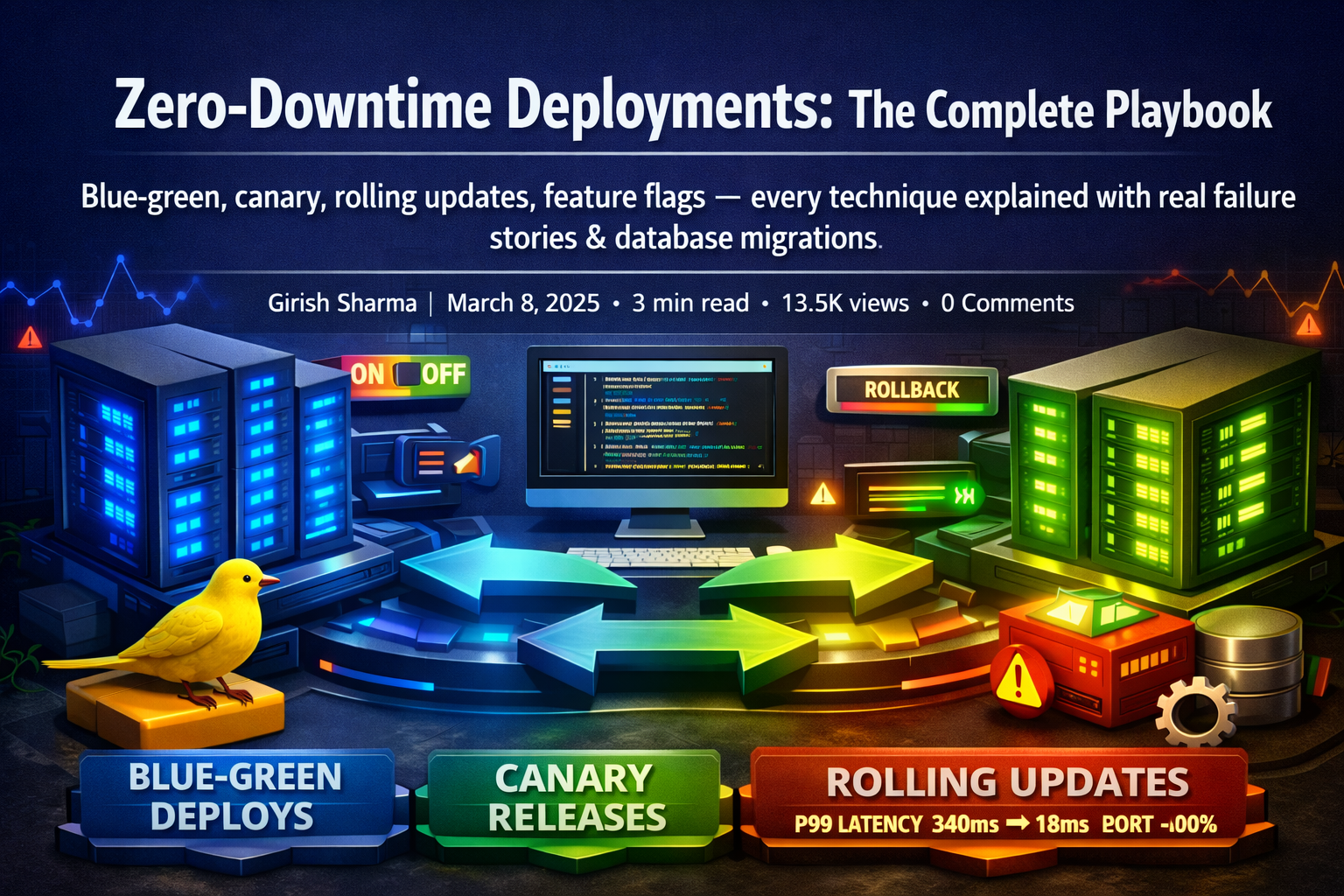
Blue-green, canary, rolling updates, feature flags — every technique explained with real failure stories, rollback strategies, and the database migration patterns that make or break them.

A journey through PostgreSQL internals: the planner, executor, buffer pool, WAL, and MVCC — understanding these makes every query you write more intentional.